Digital Scrapbook Art Design
Reviews
Digital Scrapbook Art Design delivers exactly what its name suggests: a casual, open-ended space for arranging stickers, stamps, ribbons, and washi tapes on colorful journal pages. Its strengths are full placement control, layering, and a personal gallery for saved work. The lack of goals or scoring will appeal to players who want relaxation rather than challenge, but those seeking structured progression may find it too open.
About This Game
Open-Ended Page Design
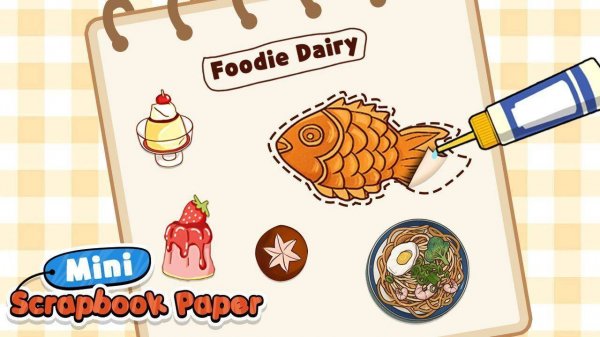
Digital Scrapbook Art Design gives you a blank journal page and a library of decorative items. You choose from colorful backgrounds, then add stickers, stamps, ribbons, and washi tapes. Each item can be placed, moved, resized with pinch gestures, and rotated. Layering elements adds depth, letting you build a page that feels personal rather than template-driven. Because there are no goals or scores, the only measure of success is whether you like what you made.
Tools and Interaction
The controls stay simple: tap an item to pick it up, tap again to place it. From there, drag to reposition, pinch to resize, and twist to rotate. These gestures apply to every decoration, so the same approach works whether you are placing a small stamp or a large background element. The game gives full control over placement, size, and rotation, which means the look of a page depends entirely on your decisions rather than preset layouts. [IMG_1]
Saving and Revisiting Your Work
Finished pages save to an in-game gallery. That gallery becomes a personal collection you can browse later. Saving regularly while you work helps you keep track of versions, especially when you are testing different background and decoration combinations. The gallery is the main record of your progress, since there is no level progression or scoring system.
Editorial Notes
Compatibility
System Requirements





Comments
0 comments